Functions
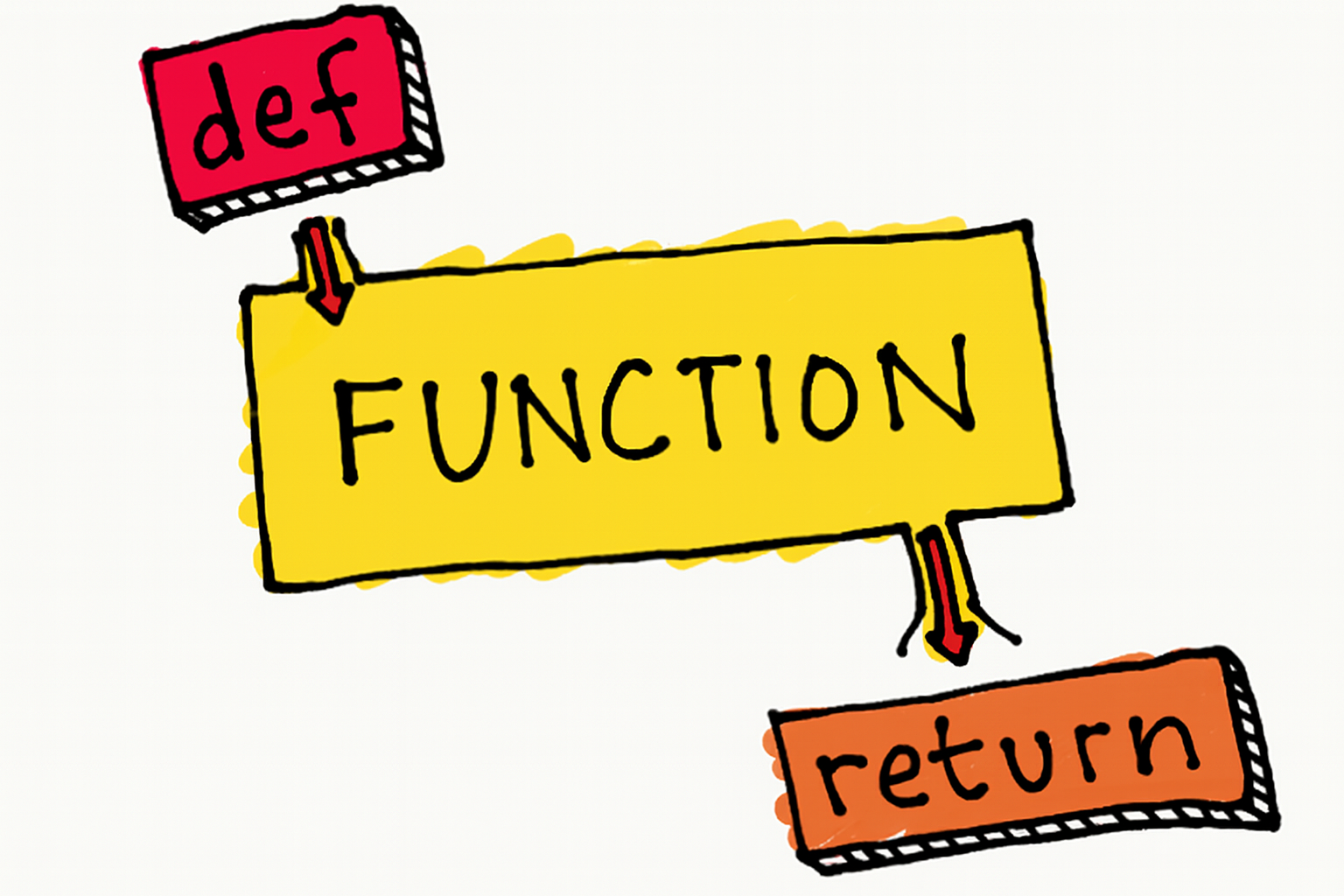
A function is a reusable block of code that performs a specific task. It's like a recipe you can follow multiple times without rewriting the steps.
The DRY Principle
If you're copying and pasting code, you should probably write a function instead!
Without a function (repetitive):
# Calculating area three times - notice the pattern?
area1 = 10 * 5
print(f"Area 1: {area1}")

area2 = 8 * 6
print(f"Area 2: {area2}")

area3 = 12 * 4
print(f"Area 3: {area3}")
With a function (clean):
def calculate_area(length, width):
    return length * width

print(f"Area 1: {calculate_area(10, 5)}")
print(f"Area 2: {calculate_area(8, 6)}")
print(f"Area 3: {calculate_area(12, 4)}")
Basic Function Syntax
Declaring a Function
def greet():
    print("Hello, World!")
Anatomy:
def→ keyword to start a functiongreet→ function name (use descriptive names!)()→ parentheses for parameters:→ colon to start the body- Indented code → what the function does
Calling a Function
Defining a function doesn't run it! You must call it.
def greet():
    print("Hello, World!")

greet()  # Now it runs!
greet()  # You can call it multiple times
Parameters and Arguments
Parameters are in the definition. Arguments are the actual values you pass.
def greet(name):      # 'name' is a parameter
    print(f"Hello, {name}!")

greet("Alice")        # "Alice" is an argument
Multiple parameters:
def add_numbers(a, b):
    result = a + b
    print(f"{a} + {b} = {result}")

add_numbers(5, 3)     # Output: 5 + 3 = 8
Return Values
Functions can give back results using return:
def multiply(a, b):
    return a * b

result = multiply(4, 5)
print(result)  # 20

# Use the result directly in calculations
total = multiply(3, 7) + multiply(2, 4)  # 21 + 8 = 29
print() shows output on screen. return sends a value back so you can use it later.
Default Arguments
Give parameters default values if no argument is provided:
def power(base, exponent=2):  # exponent defaults to 2
    return base ** exponent

print(power(5))      # 25 (5²)
print(power(5, 3))   # 125 (5³)
Multiple defaults:
def create_profile(name, age=18, country="USA"):
    print(f"{name}, {age} years old, from {country}")

create_profile("Alice")                    # Uses both defaults
create_profile("Bob", 25)                  # Uses country default
create_profile("Charlie", 30, "Canada")    # No defaults used
Parameters with defaults must come after parameters without defaults!
# ❌ Wrong
def bad(a=5, b):
    pass

# ✅ Correct
def good(b, a=5):
    pass
Variable Number of Arguments
*args (Positional Arguments)
Use when you don't know how many arguments will be passed:
def sum_all(*numbers):
    total = 0
    for num in numbers:
        total += num
    return total

print(sum_all(1, 2, 3))           # 6
print(sum_all(10, 20, 30, 40))    # 100
**kwargs (Keyword Arguments)
Use for named arguments as a dictionary:
def print_info(**details):
    for key, value in details.items():
        print(f"{key}: {value}")

print_info(name="Alice", age=25, city="New York")
# Output:
# name: Alice
# age: 25
# city: New York
Combining Everything
When combining, use this order: regular params → *args → default params → **kwargs
def flexible(required, *args, default="default", **kwargs):
    print(f"Required: {required}")
    print(f"Args: {args}")
    print(f"Default: {default}")
    print(f"Kwargs: {kwargs}")

flexible("Must have", 1, 2, 3, default="Custom", extra="value")
Scope: Local vs Global
Scope determines where a variable can be accessed in your code.
Local scope: Variables inside functions only exist inside that function
def calculate():
    result = 10 * 5  # Local variable
    print(result)

calculate()        # 50
print(result)      # ❌ ERROR! result doesn't exist here
Global scope: Variables outside functions can be accessed anywhere
total = 0  # Global variable

def add_to_total(amount):
    global total  # Modify the global variable
    total += amount

add_to_total(10)
print(total)  # 10
Avoid global variables! Pass values as arguments and return results instead.
Better approach:
def add_to_total(current, amount):
    return current + amount

total = 0
total = add_to_total(total, 10)  # 10
total = add_to_total(total, 5)   # 15
Decomposition
Breaking complex problems into smaller, manageable functions. Each function should do one thing well.
Bad (one giant function):
def process_order(items, customer):
    # Calculate, discount, tax, print - all in one!
    total = sum(item['price'] for item in items)
    if total > 100:
        total *= 0.9
    total *= 1.08
    print(f"Customer: {customer}")
    print(f"Total: ${total:.2f}")
Good (decomposed):
def calculate_subtotal(items):
    return sum(item['price'] for item in items)

def apply_discount(amount):
    return amount * 0.9 if amount > 100 else amount

def add_tax(amount):
    return amount * 1.08

def print_receipt(customer, total):
    print(f"Customer: {customer}")
    print(f"Total: ${total:.2f}")

def process_order(items, customer):
    subtotal = calculate_subtotal(items)
    discounted = apply_discount(subtotal)
    final = add_tax(discounted)
    print_receipt(customer, final)
Benefits: ✅ Easier to understand ✅ Easier to test ✅ Reusable components ✅ Easier to debug
Practice Exercises
Write a function rectangle(m, n) that prints an m × n box of asterisks.
rectangle(2, 4)
# Output:
# ****
# ****
Write add_excitement(words) that adds "!" to each string in a list.
- Version A: Modify the original list
- Version B: Return a new list without modifying the original
words = ["hello", "world"]
add_excitement(words)
# words is now ["hello!", "world!"]
Write sum_digits(num) that returns the sum of all digits in a number.
sum_digits(123)   # Returns: 6 (1 + 2 + 3)
sum_digits(4567)  # Returns: 22 (4 + 5 + 6 + 7)
Write first_diff(str1, str2) that returns the first position where strings differ, or -1 if identical.
first_diff("hello", "world")  # Returns: 0
first_diff("test", "tent")    # Returns: 2
first_diff("same", "same")    # Returns: -1
A 3×3 board uses: 0 = empty, 1 = X, 2 = O
- Part A: Write a function that randomly places a 2 in an empty spot
- Part B: Write a function that checks if someone has won (returns True/False)
Write matches(str1, str2) that counts how many positions have the same character.
matches("python", "path") # Returns: 3 (positions 0, 2, 3)
Write findall(string, char) that returns a list of all positions where a character appears.
findall("hello", "l")  # Returns: [2, 3]
findall("test", "x")   # Returns: []
Write change_case(string) that swaps uppercase ↔ lowercase.
change_case("Hello World") # Returns: "hELLO wORLD"
Challenge Exercises
Write merge(list1, list2) that combines two sorted lists into one sorted list.
- Try it with
.sort()method - Try it without using
.sort()
merge([1, 3, 5], [2, 4, 6]) # Returns: [1, 2, 3, 4, 5, 6]
Write verbose(num) that converts numbers to English words (up to 10¹⁵).
verbose(123456)
# Returns: "one hundred twenty-three thousand, four hundred fifty-six"
Convert base 10 numbers to base 20 using letters A-T (A=0, B=1, ..., T=19).
base20(0)    # Returns: "A"
base20(20)   # Returns: "BA"
base20(39)   # Returns: "BT"
base20(400)  # Returns: "BAA"
Write closest(L, n) that returns the largest element in L that doesn't exceed n.
closest([1, 6, 3, 9, 11], 8)  # Returns: 6
closest([5, 10, 15, 20], 12)  # Returns: 10